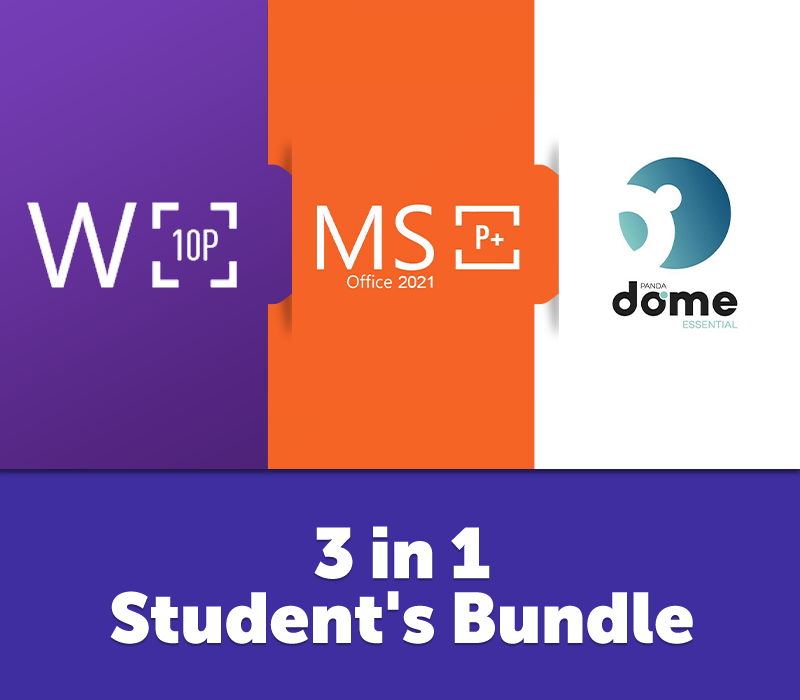
For the student who’s serious about their studies – but also wants to keep things chill. This bundle packs everything you need to power through your assignments, projects, and entertainment: Windows 10 Pro: A reliable OS that won’t let you down when you’re in the middle of a last-minute essay or that crucial group project. With its intuitive interface and powerful features, Windows 10 Pro helps you stay organized and productive. Need to split your screen for research and writing? Done. Want to run specific software for your courses? No problem. It’s reliable, fast, and everything a student could ask for. MS Office 2021 Pro Plus: Stay ahead of the curve with the latest version of Microsoft Office. From writing essays in Word to creating data-packed spreadsheets in Excel, this suite offers all the tools you need to succeed. Plus, the enhanced PowerPoint features will help you deliver presentations that impress. With OneNote and Outlook, you can keep your notes organized and never miss a deadline or a class. Panda Antivirus (Dome Essential): Students need to be online more than ever, and with that comes the risk of encountering online threats. Panda Dome Essential keeps your computer secure, protecting it from viruses, spyware, and other malicious software. It’s easy to use and won’t slow down your system, so you can focus on your studies without interruptions. Hit the books with confidence knowing your tech is up to the task!
— Activation Details —
Windows 10 Pro: This product cannot be used to upgrade your system from another version! In order to activate your system: Open Start Menu and click Settings Navigate to Update & Security menu, and then Activation tab Click on Change product key and insert your key The system can be downloaded from the official source or from the 3rd party website. MS Office 2021 Professional Plus: In order to activate the product, please follow one of the recommended instructions: ______________________________________________________________________________________________________ Log into your account / Create a new account here. Go to THIS website. Enter your key and confirm. Your product is now activated. You can download the client directly from the website. Please remember that the product key activated this way will be connected directly to your account. Therefore please always make sure to log in on your PC to the correct account, where the license was activated. ______________________________________________________________________________________________________ Log-in to or create an account HERE. After you created the account follow this LINK (you might have to login with your just created account first). Enjoy your newly acquired Office suite! ______________________________________________________________________________________________________ In case of a problem with activating the product with your key, please use the automated phone system* to activate: In the Activation Wizard, select I want to activate the software by telephone, and then select Next. If nothing happens when you select Next, use the Enter key on your keyboard. Under Step 1 in the Activation Wizard, select your country/region, and then call the Product Activation Center phone number that’s listed under the country/region you selected. When prompted by the Product Activation Center, provide the Installation ID that’s shown in the Activation Wizard under Step 2. The Product Activation Center will provide a Confirmation ID that you enter in the Activation Wizard under Step 3. Select Next and follow the prompts to complete the activation process. If nothing happens when you select Next, use the Enter key on your keyboard. Panda Antivirus: Access your Panda Account. If you don’t have an account, create one. Click on the “I have a code button” and enter the activation code.