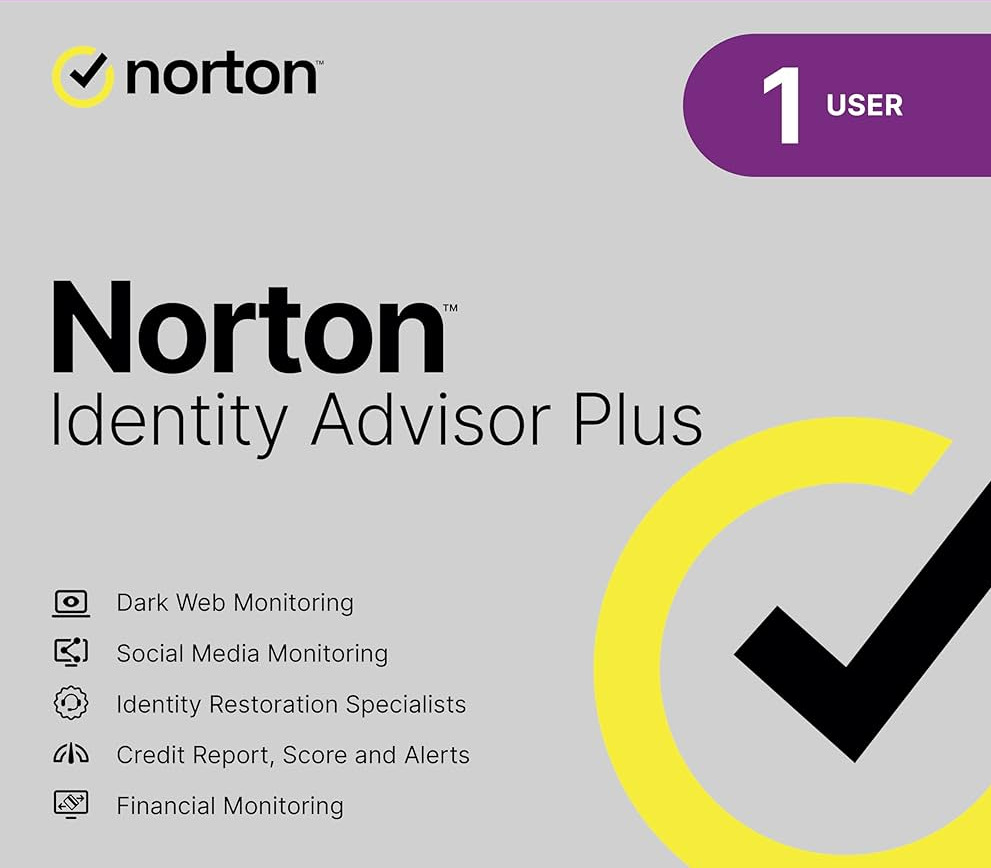
Norton Identity Advisor Plus. Take control of your identity before cybercriminals do. Our identity protection tools help you keep yourself safer against identity threats. How Norton Identity Advisor Plus goes beyond what your bank does. We catch what banks might miss. Most banks only address credit card fraud. We monitor multiple accounts for you, alerting you to suspicious charges and potential loan openings under your name. We also monitor for any major changes to your credit report, plus help you protect yourself against identity threats by notifying you if your personal information is on the dark web or your social media accounts are at risk. Do you know where to start if you fall victim to identity theft? Identity theft can happen to anyone—so it’s important to know what to do if the worst happen. Our Identity Restoration Specialists are on hand to guide you, step-by-step, through the process of getting your identity back. They’ll even advise you on how to set up calls between you and relevant parties like merchants, credit card companies, financial institutions, and government agencies. Features: Financial Monitoring Credit Report and Score Credit Alerts Identity Restoration Support Social Media Monitoring Dark Web Monitoring
— Activation Details —
Go to norton.com/setup. If you are not signed in to Norton already, you will be prompted to sign in. Type in your email address and password for Norton, and click Sign In.If you do not have an account, click Create account, and then complete the sign-up process. In the Install on this device window, make sure the product name that is displayed is the one you want to install, click Agree & Download. If you want to install a new product, not listed in the window, click Enter a Product Key, and then enter the product key or PIN to begin the download. Do one of the following depending on your browser: For Internet Explorer: Click Run. For Firefox or Safari: On the top-right corner of the browser, click the Download option to view the downloaded files, and double-click the file that you downloaded. For Chrome: On the bottom-left corner, double-click the file that you downloaded. If the User Account Control window appears, click Continue. Follow the on-screen instructions. Your Norton product is now installed and activated.
Norton Identity Advisor Plus UK Key (1 Year / 1 User)